Retroized
macOS CRT overlay · 0.6.9
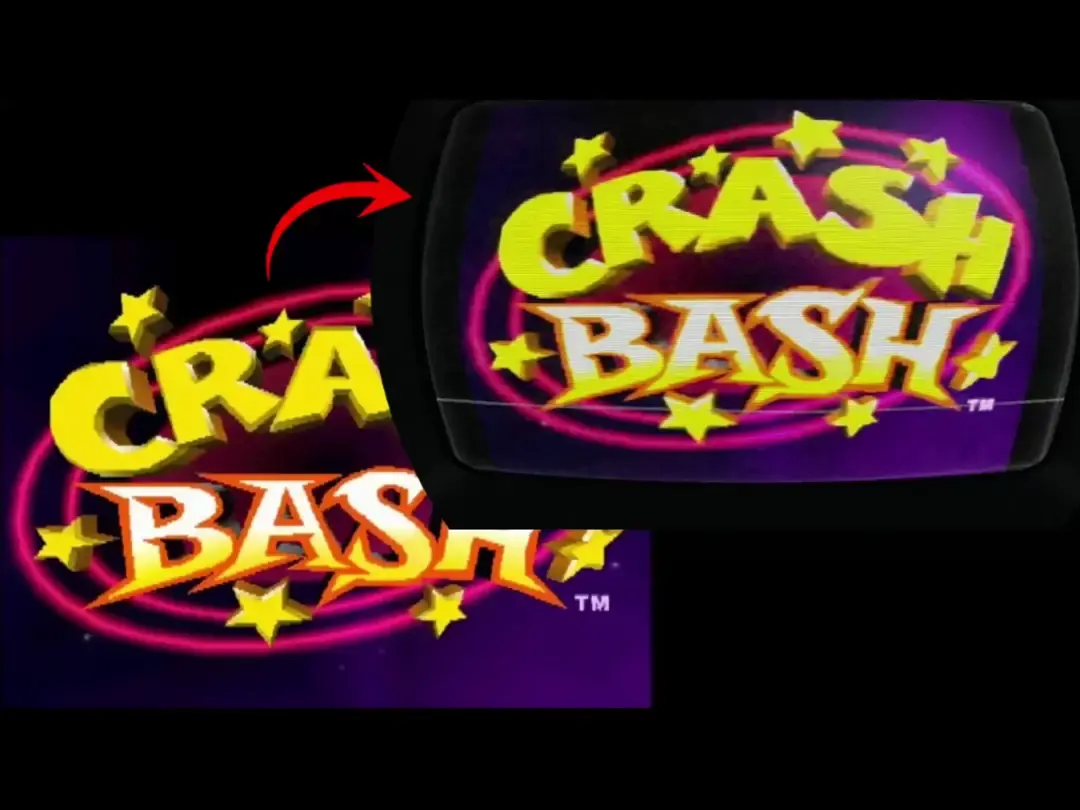
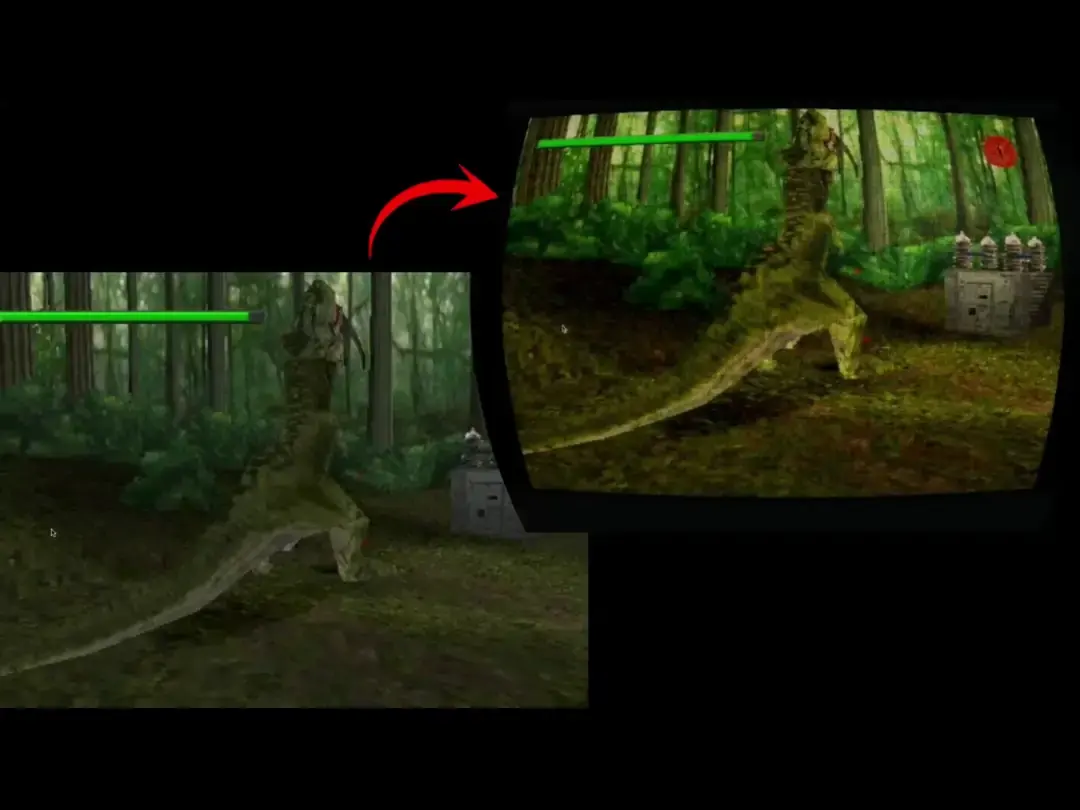
Crash Bash
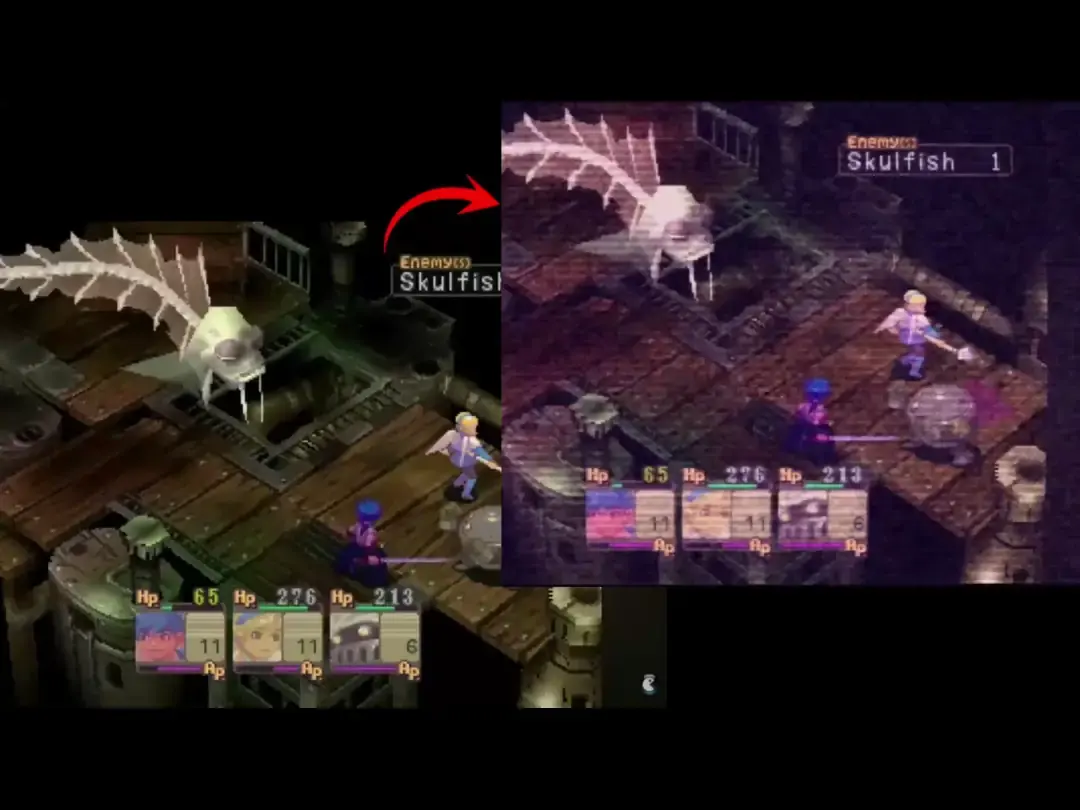
A live CRT overlay for retro games on macOS.
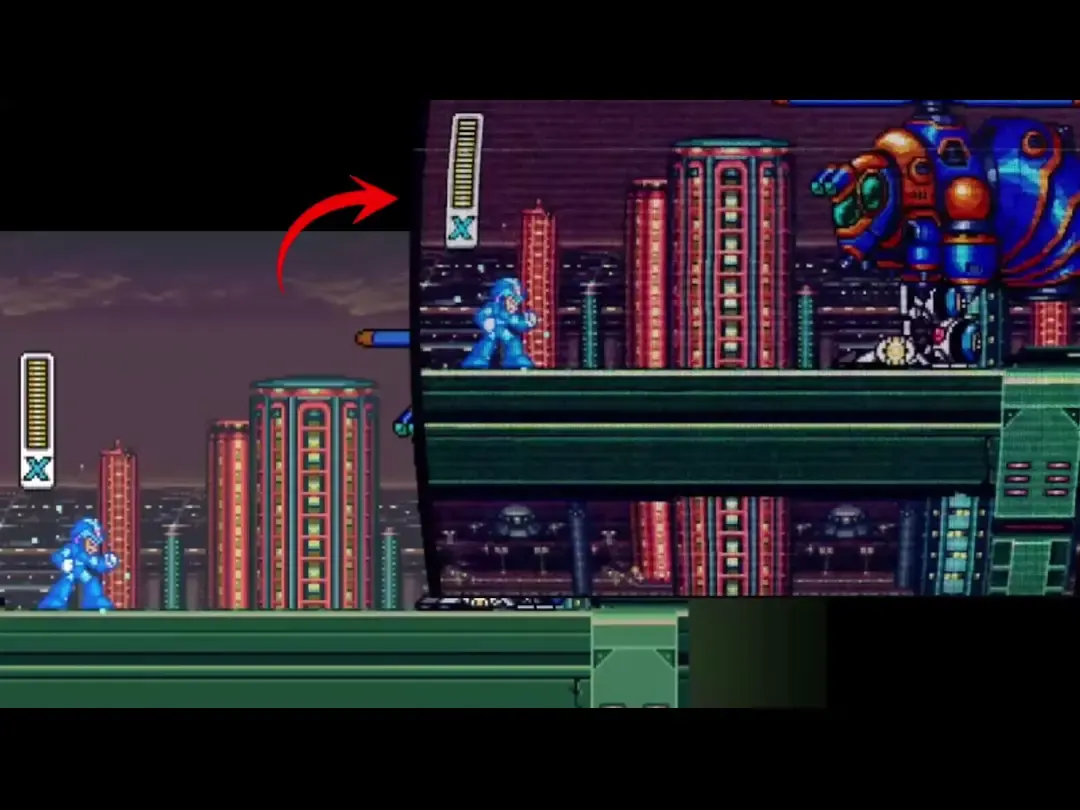
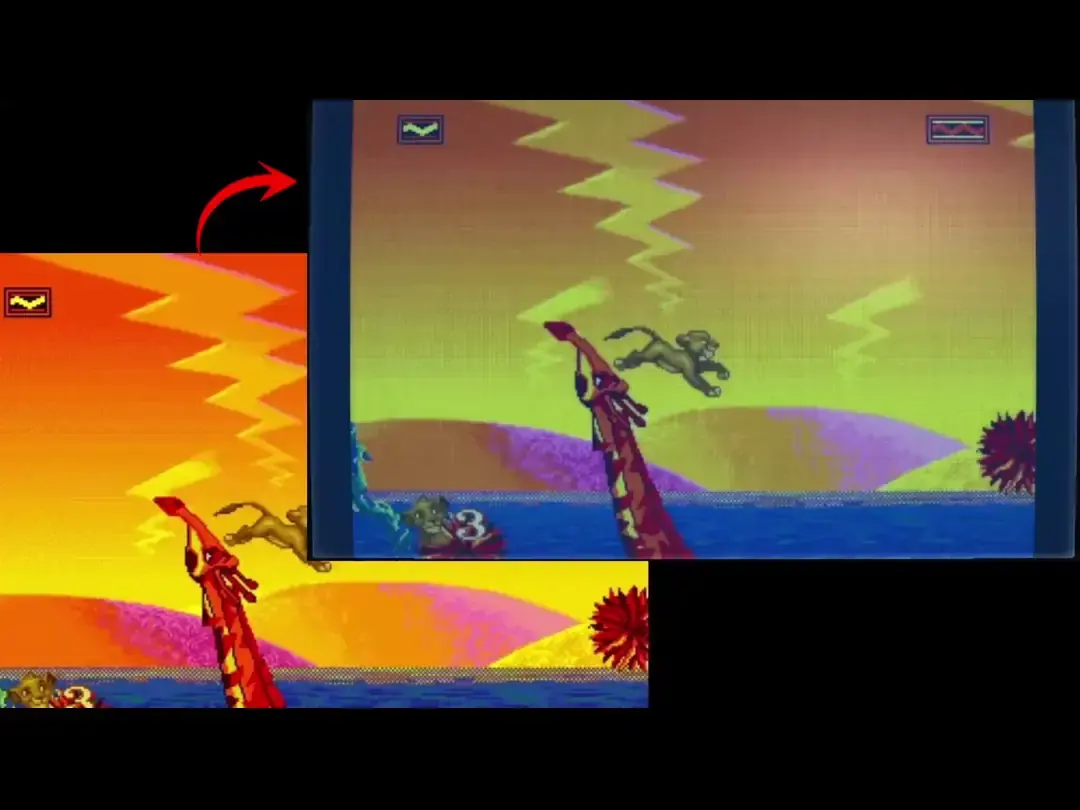
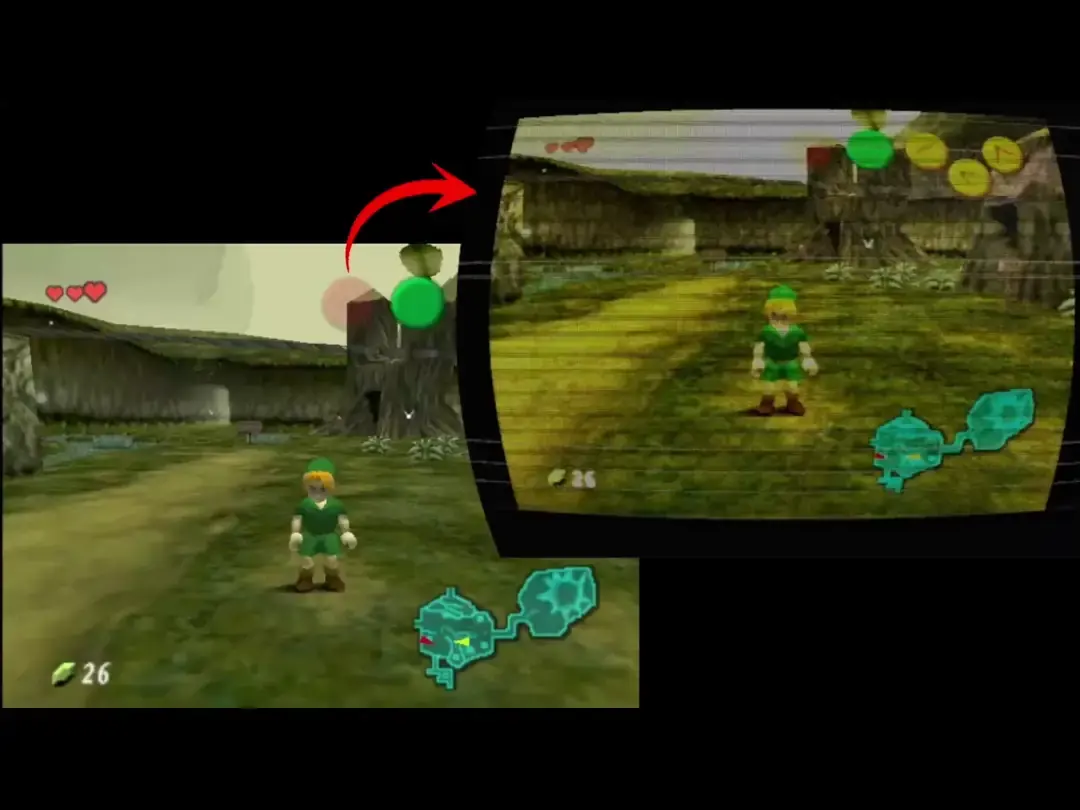
Play NES, SNES, arcade, and PS1 on a Mac the way they looked on a tube. Retroized sits on top of the window already on screen. You click through it. You keep playing. Same job as ShaderGlass on Windows — a live overlay, not an OpenEmu slang shader. People searching CRT emulator usually want this: the tube on the emulator, not another emulator.
Official trailer and Sonic the Hedgehog 2 across CRT looks. Opens on YouTube — not baked into a recording.
Not an OpenEmu plugin and not a RetroArch slang preset. The emulator stays sharp; Retroized is a layer over the display. Turn off the emulator’s own CRT so the two looks do not stack. OpenEmu CRT · overlay vs shader.
These are the searches. The pages are the answers.
Yes. It is a desktop overlay. Put OpenEmu on Virtual display 2, or run click-through over the laptop. You do not install a slang shader inside OpenEmu. OpenEmu CRT overlay.
OpenEmu’s filter lives inside that one window. Retroized captures a display and draws a CRT layer on top of whatever is already there. Turn off the emulator’s own CRT so you are not stacking two looks. Overlay vs emulator shader.
It emulates the tube, not the console. OpenEmu, RetroArch, or Steam still run the game. Retroized is a live CRT overlay on the Mac display — not a RetroArch core, not an OpenEmu slang plugin. CRT emulator on Mac.
Same job: a live shader on top of the screen, not baked into a recording. Retroized is a native macOS app with click-through on the primary display, a virtual display for emulators, CRT looks, and overlay recording. It is not a ShaderGlass port. ShaderGlass for Mac.
The overlay has to see the display it is shading. Grant Screen Recording to Retroized.app. Keep one copy of the app so macOS does not treat a second unzip as a new program.
Not yet. Follow submergedsun on itch.io to get notified when the Windows version is out. The Mac zip is what you can download today. Not a ShaderGlass fork. Follow on itch.io.
Yes. One zip covers Apple Silicon and Intel. macOS 12.5 or later. Virtual display 2 needs macOS 13. On Monterey 12.5–12.7, capture the built-in display and use click-through.
No. Click-through is primary-display only. Virtual display 2 is a separate screen you capture; that overlay is a viewer.
PhosphorVision was the working title for the first .app. The product is Retroized. phosphorvision.com redirects here.

